Contents
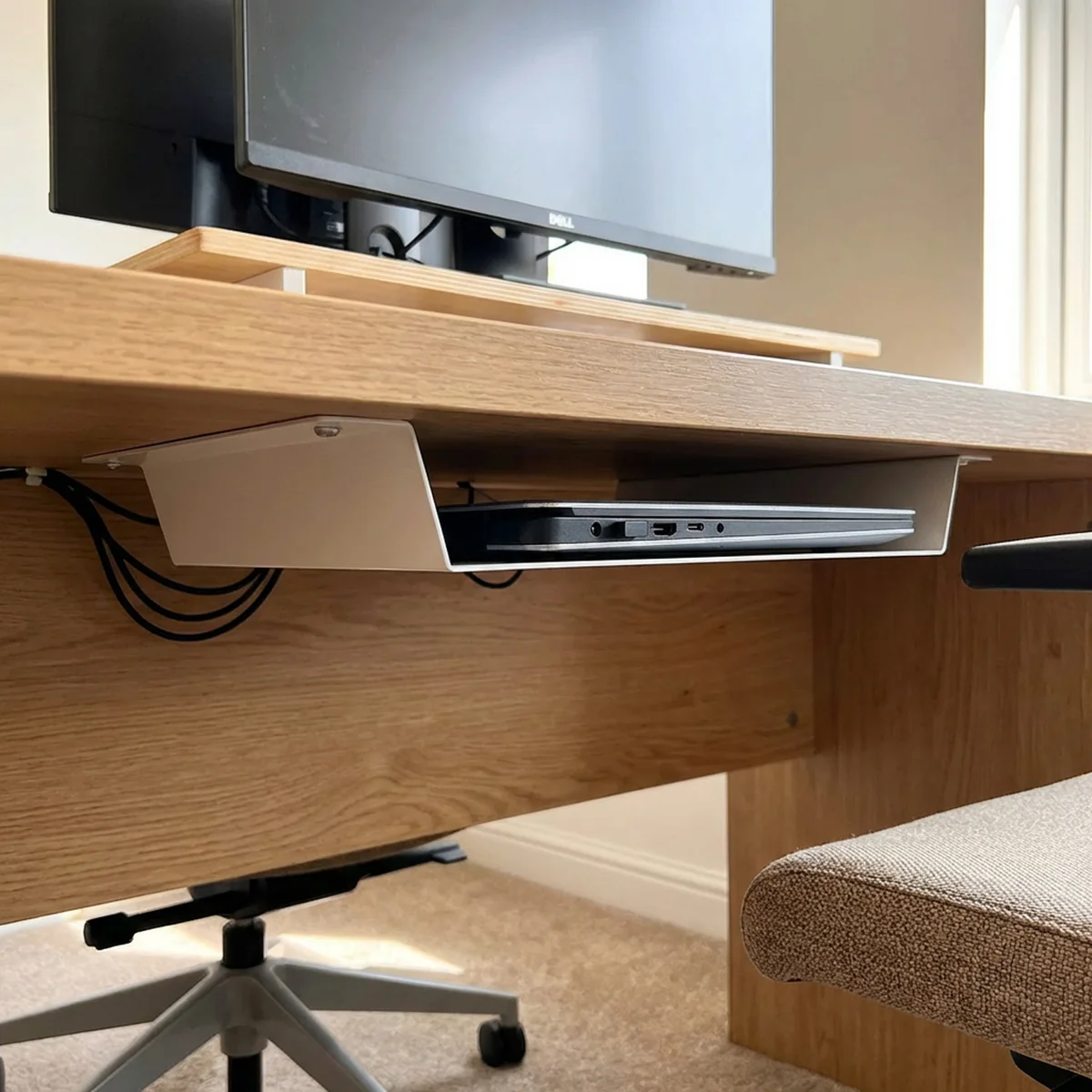
For several months, my personal laptop sat in the corner of the hall with its lid closed, serving my portfolio, an email tracker, a disease dashboard, and background automation. The same machine also ran experiments with local language models and browser-based agents. Moving these projects onto hardware at home was partly a practical decision and partly an opportunity to understand the systems I had previously rented from a hosting provider. The setup was small enough to inspect directly, but it still exposed the dependencies and failures of running services continuously.
Choosing the machine
I already had a Hostinger VPS running my projects, but experiments involving a local model or a persistent browser needed more memory and CPU than that instance comfortably provided. Increasing the server allocation would add a recurring cost, while the laptop at home was unused much of the time. I installed Ubuntu Server and configured the machine to stay awake with the lid closed. This gave me room to experiment without renting a larger instance, while making power, cooling, and home connectivity part of the operating environment.
The laptop did not make hosting free or remove its operational costs. It used electricity and depended on equipment and an internet connection I already maintained. It also had a different availability profile from a machine in a data centre. For personal projects, I could accept those constraints in exchange for direct access to the hardware and enough resources to run experiments alongside the websites.
Bringing requests into the network
Cloudflare Tunnel provided an outbound connection from the laptop to Cloudflare, allowing requests for my domains to reach the machine without configuring inbound port forwarding on the home router. The public hostname led to the tunnel, and traffic then reached the services behind it. This avoided making the setup depend on a fixed public IP address and gave me a consistent entry point as I added applications.
I configured wildcard subdomain routing so that new projects could use their own names while reaching the same machine. Inside that boundary, Caddy handled routing to the appropriate application. Each project ran in Docker and listened on an internal port, while the proxy configuration mapped hostnames to those services. The division kept application configuration relatively small: a service needed to run correctly inside the local network, and the shared routing layer determined how requests reached it.
Shared infrastructure
Instead of starting a separate database server for every project, I ran shared Postgres and Redis services on the internal Docker network. New applications could use their own database within the Postgres instance while reusing the same infrastructure. This reduced duplication and kept the overall setup easier to inspect, although shared services also meant that a failure or resource shortage could affect several applications at once.
Docker Compose files described the services and their connections. Maintaining a clear map of hostnames, ports, and databases became more useful than adding another orchestration layer. When something stopped responding, I could follow the request from the public hostname through the tunnel and proxy to its container. The small number of components made that investigation manageable, provided their configuration stayed explicit.
Background AI experiments
The available memory also let me run Ollama with gpt-oss:20b and smaller Qwen models. Alongside that, I experimented with a Twitter agent that read posts, selected items, and drafted replies in different personas. An image-captioning step converted images into text so that a text-only planning model could include their content in its decisions. Scheduled jobs triggered the work periodically rather than requiring each process to generate continuously.
These experiments shared the machine with the websites, which made resource contention visible. A local model and a persistent browser could consume resources that an otherwise quiet web application rarely needed. Having enough memory for an experiment did not guarantee that it could run without affecting other services. The arrangement was useful for learning precisely because those workloads were close enough to observe, but it required attention to their combined demands.
Failures and recovery
Power interruptions, unreliable Wi-Fi, updates, and an agent consuming too much memory all caused problems during this setup. Automatic tunnel reconnection and container restart policies helped services return after some failures, while nightly Postgres backups provided a separate recovery mechanism for the database. Those mechanisms addressed different problems: restarting a container would not recover lost data, and a backup would not restore connectivity during an outage.
The acceptable level of downtime depended on what I was hosting. These were personal projects, so a temporary interruption was inconvenient rather than a business-critical incident. That made a laptop a reasonable place to experiment, but it was still important to understand which services depended on the same machine. The main lesson was to start with a small setup whose routing, storage, and recovery I could explain, then add applications as that understanding improved. The hardware was sufficient; keeping the system understandable was the continuing work.